Support Email : courses@iiems.in
  Kottayam, Ernakulam, Trivandrum, Tamil Nadu Support Email : courses@iiems.in Kottayam, Ernakulam, Trivandrum, Tamil Nadu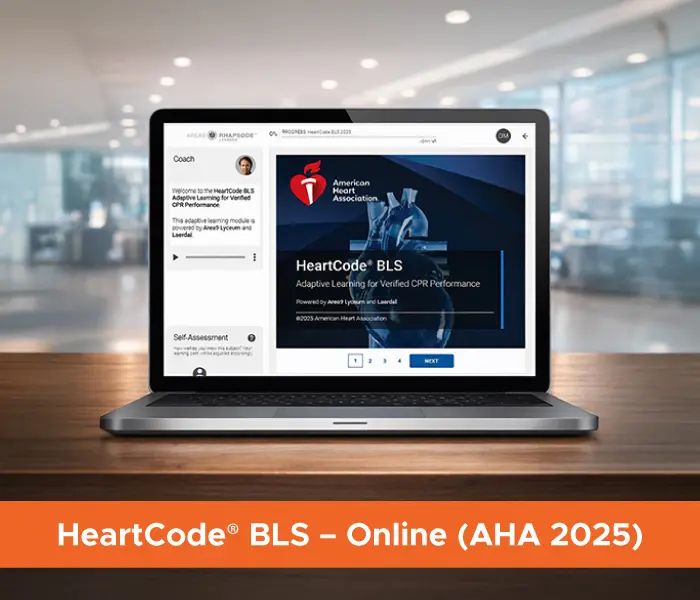
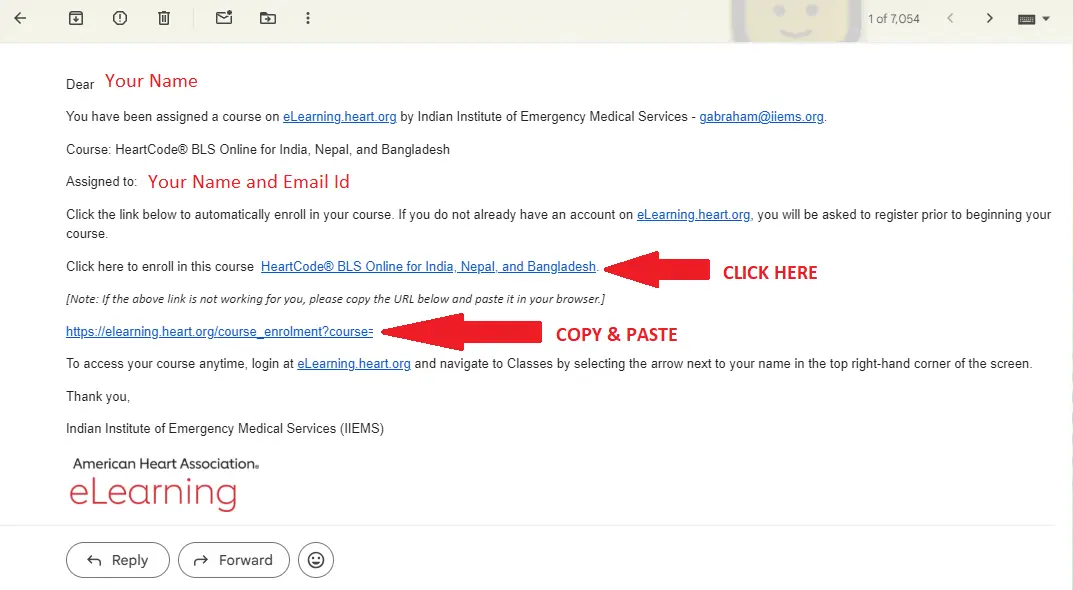
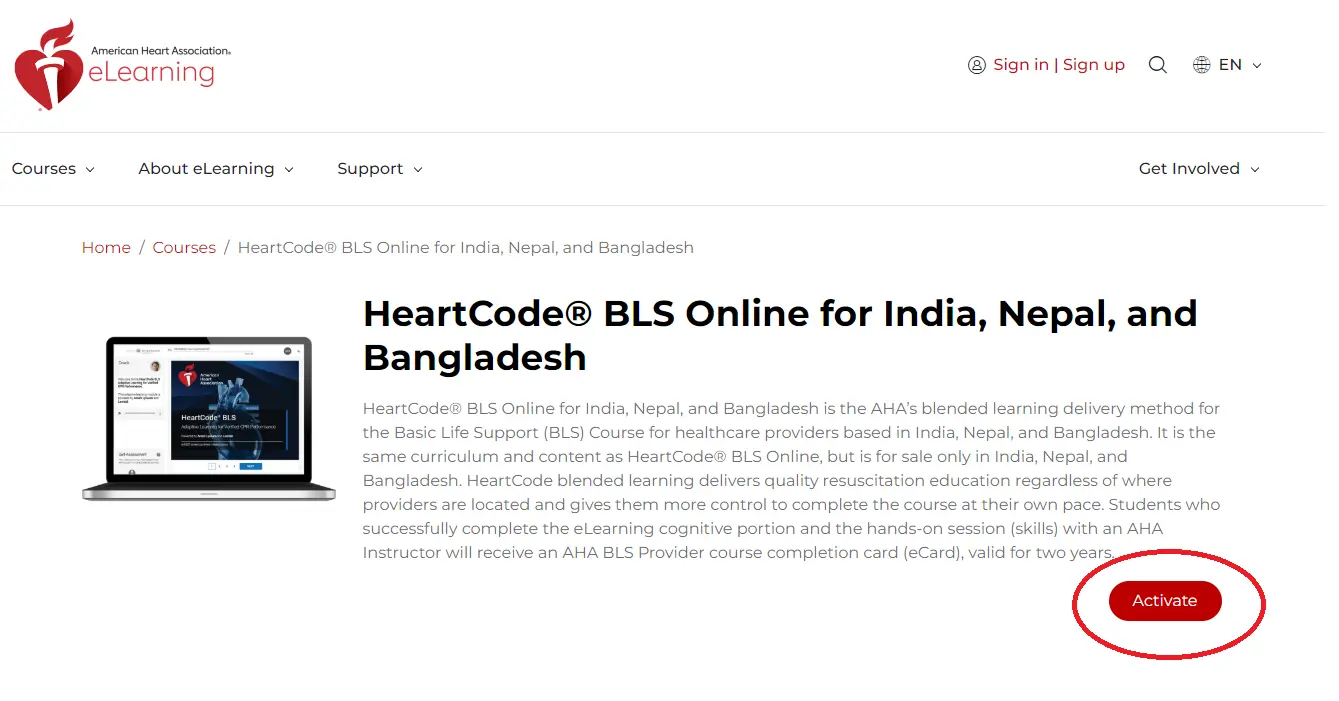
HeartCode® BLS is the American Heart Association’s blended learning pathway for Basic Life Support (BLS) training. This modern format integrates flexible, self-directed online education with mandatory hands-on skill practice, delivering standardized and reliable resuscitation training irrespective of where learners are located.
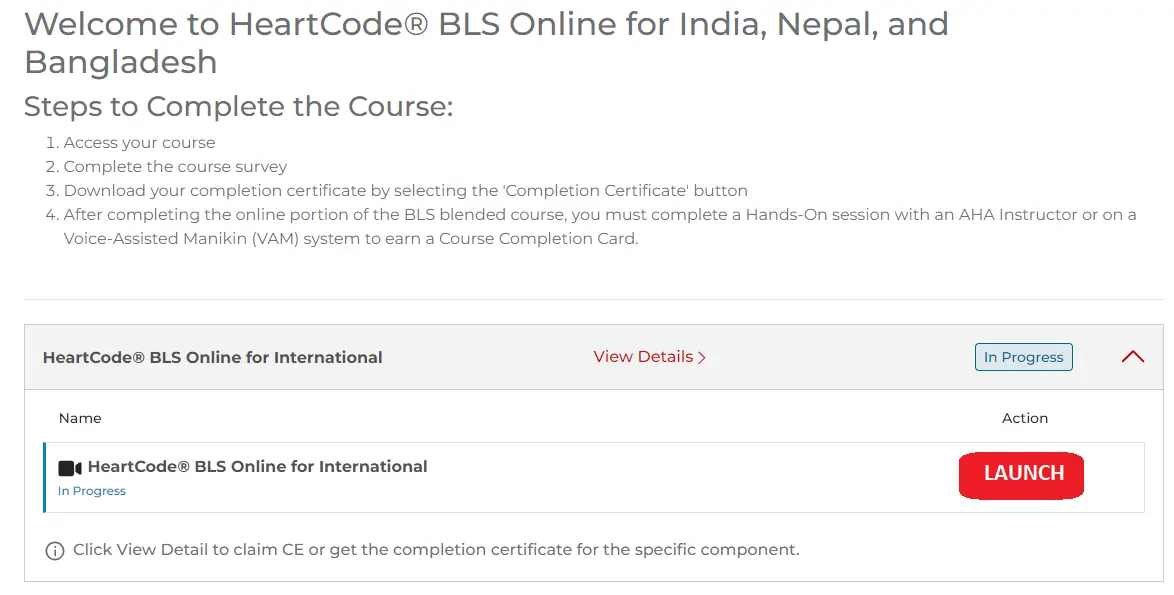
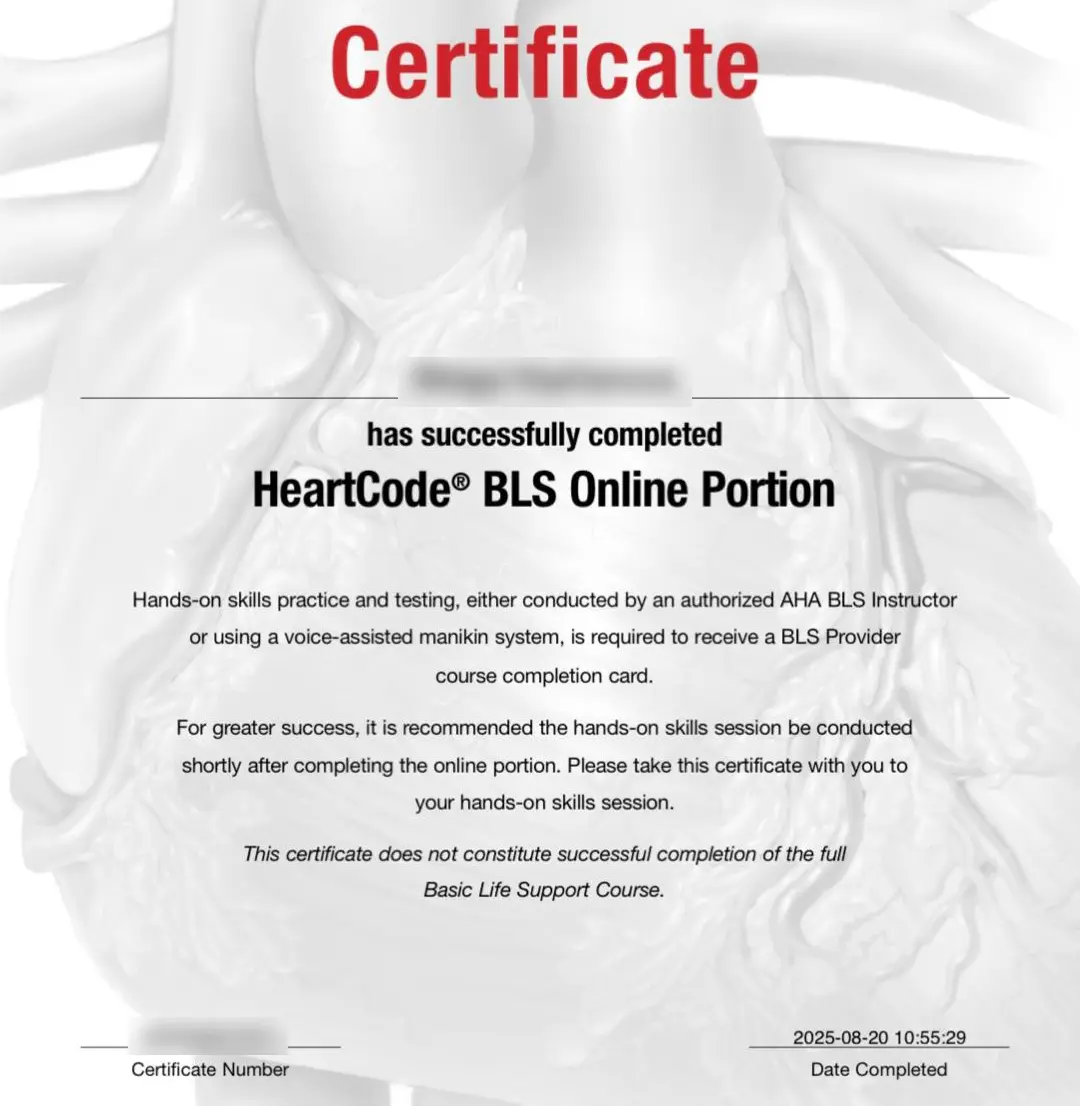
Learners begin by completing an interactive online course that covers essential BLS principles and protocols. After successfully finishing the online component, they participate in an in-person skills assessment session led by an AHA-authorized Instructor or conducted at an approved simulation facility. This blended approach provides convenience and flexibility without compromising the rigorous skill competency standards established by the AHA.
| Parameter | AHA 2025 HeartCode® BLS | AHA 2020 Traditional BLS |
|---|---|---|
| Guideline Version | Latest AHA 2025 Guidelines | AHA 2020 Guidelines |
| Course Format | Blended learning (Online + Hands-on) format for BLS | Fully classroom-based |
| Learning Method | Self-paced interactive online modules (HeartCode® BLS) + Classroom skills evaluation | Instructor-led lectures |
| Flexibility | High – Online session can be completed anytime, anywhere | Low – Classroom session strictly follows AHA course agenda |
| Assessment Method | Online assessment + practical skills test | Written test + practical skills examination |
| Learner Engagement | Online video learning + classroom skill test | Traditional video demonstrations + classroom skills |
| Time Efficiency | Reduced classroom time (Approx. 3 hours) | Longer classroom duration (Approx. 8 hours) |
| Hands-on Session | Instructor-led or simulation station | Instructor-led only |
| Certification | AHA Provider Card (Valid for 2 years) | AHA Provider Card (Valid for 2 years) |